
Reuse your global Agent Skills in Google Antigravity with Gemini 4 Argon using a single symbolic link, and clean up your legacy Gemini configuration.
The Agent Skills specification has quickly become the standard way to package reusable instructions, scripts, and references for coding agents. Across tools listed on the Agent Skills clients page such as Claude Code, Cursor, Gemini CLI, and OpenAI Codex, the community has converged on a shared directory convention: .agents/skills/.
When you test Gemini 4 Argon inside Google Antigravity (AGY), project-level skills inside <workspace>/.agents/skills/ work out of the box. Global skills stored in ~/.agents/skills/, however, do not appear at startup.
In this article, we’ll explore how the .agents/skills/ convention works, why our first configuration attempt with skills.json failed in Antigravity, how to fix global skill discovery with a symbolic link, and how to clean up your ~/.gemini directory when migrating from Gemini CLI.
📦 1. How the Agent Skills standard organizes your skills
An Agent Skill is a directory containing a SKILL.md file (with name and description in YAML frontmatter, followed by Markdown instructions) and optional subdirectories like scripts/, references/, and assets/:
~/.agents/skills/
├── ai-seo/
│   ├── SKILL.md
│   └── references/
├── blog-post-writer/
│   ├── SKILL.md
│   └── references/
└── humanizer/
    └── SKILL.md
Instead of loading every instruction file into the prompt at once, compatible agents use progressive disclosure in three steps:
- At session start, the agent reads only the
nameanddescriptionof each skill (around 50 to 100 tokens per skill). - When your prompt matches a skill’s description, or when you invoke it explicitly with
/skill-name, the agent loads the fullSKILL.mdfile. - The agent reads supporting files in
references/or runs helper scripts inscripts/only when needed.
For cross-client interoperability, the Agent Skills implementation guide recommends scanning two .agents/skills/ locations:
<project>/.agents/skills/for project-specific skills shared through Git.~/.agents/skills/for user-level skills shared across all projects on your machine (including skills installed withnpx skillsand tracked in~/.agents/.skill-lock.json).
According to the Google Antigravity Skills documentation, Antigravity scans <workspace-root>/.agents/skills/ at the workspace level (with backward compatibility for .agent/skills/), whereas its global scope is set to ~/.gemini/config/skills/ (unlike Gemini CLI, which already supports ~/.agents/skills/ as a global alias).
❌ 2. Attempt #1: Why ~/.gemini/config/skills.json fails
If you check Antigravity’s built-in customization documentation (agy-customizations), you will find a JSON configuration mechanism called skills.json designed to register skills stored outside default locations.
Our first try was to create ~/.gemini/config/skills.json pointing to ~/.agents/skills:
{
  "entries": [
    {
      "path": "~/.agents/skills"
    }
  ]
}
After restarting Antigravity and opening a new conversation, none of the skills from ~/.agents/skills were loaded.
The reason is a subtle rule in Antigravity’s customization loader:
“Config files are also honored on explicitly configured customization paths […] when the configured path points directly at a config file (e.g.
path/to/skills.json). A configured directory keeps its regular one-level scan; a manifest inside it is not expanded.”
In practice:
- Inside a project repository,
<workspace>/.agents/skills.jsonis explicitly checked and expanded. - Inside the global
~/.gemini/config/directory, Antigravity performs a direct one-level directory scan on~/.gemini/config/skills/and~/.gemini/config/plugins/. It ignores~/.gemini/config/skills.json.
⚡️ 3. Attempt #2: Link ~/.gemini/config/skills to ~/.agents/skills
Since Antigravity expects global standalone skills inside ~/.gemini/config/skills/<skill-name>/SKILL.md, the cleanest fix is a symbolic link from ~/.gemini/config/skills to ~/.agents/skills.
Before creating the symlink, check if you already have an existing ~/.gemini/config/skills.json file or a ~/.gemini/config/skills/ folder:
- If you created
~/.gemini/config/skills.jsonduring your own tests and it only points to~/.agents/skills, you can remove it (rm -f ~/.gemini/config/skills.json). - If your
~/.gemini/config/skills.jsonlisted other custom directories, move thatskills.jsoninto your project’s<workspace>/.agents/skills.json(where Antigravity does expand it), or symlink those individual skill folders inside~/.agents/skills/so everything stays in one place. - If you already have a non-empty
~/.gemini/config/skills/directory, move its skill subfolders into~/.agents/skills/first, then remove the empty directory (mv ~/.gemini/config/skills/* ~/.agents/skills/ && rmdir ~/.gemini/config/skills).
Then create the symbolic link in your terminal:
# Point Antigravity's global skills folder to ~/.agents/skills
ln -s ~/.agents/skills ~/.gemini/config/skills
Verify that the symbolic link points to your .agents/skills directory:
ls -al ~/.gemini/config/skillsYou will see output similar to:
lrwxr-xr-x 1 user staff 26 Oct 13 11:05 /Users/user/.gemini/config/skills -> /Users/user/.agents/skillsReload Antigravity. Your ~/.agents/skills catalog is now injected at startup, and you can trigger any skill directly in chat with /skill-name.
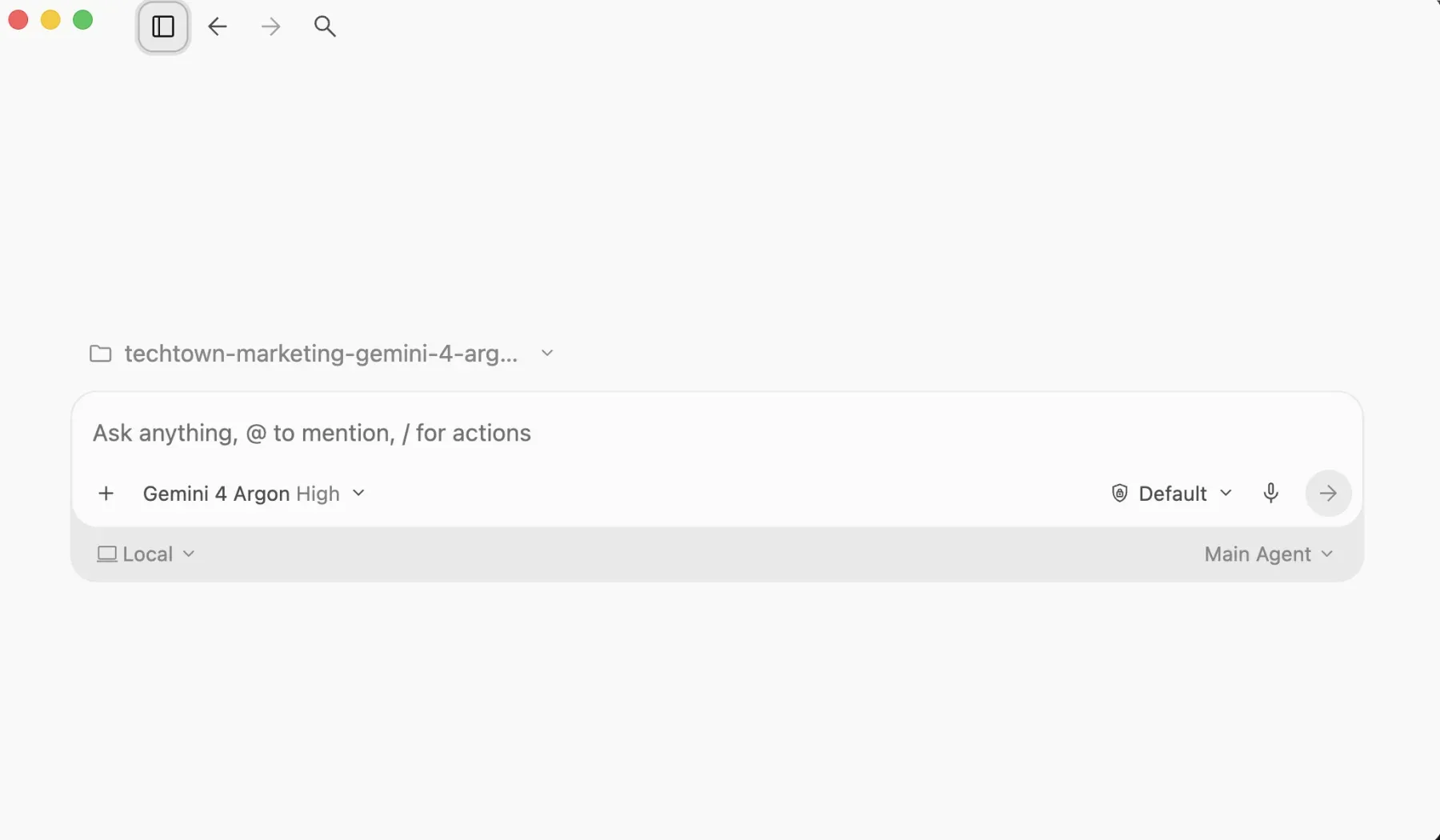
💪 ProTip: Watch out for nested plugin symlinks inside ~/.agents/skills/. Antigravity scans ~/.gemini/config/skills/ only one level deep (skills/<skill-name>/SKILL.md). If ~/.agents/skills/my-plugin is a symlink to a plugin repository where the skill file is nested at my-plugin/skills/my-skill/SKILL.md, Antigravity will skip it. Point your symlink directly to the folder that immediately contains SKILL.md.
🧹 4. Bonus: Clean up ~/.gemini when coming from Gemini CLI
Because Google Antigravity and Gemini CLI both store state under ~/.gemini, that directory often accumulates old folders over time.
First, a warning: do not delete ~/.gemini! Antigravity stores its active data there:
~/.gemini/antigravity/holds your conversation history (conversations/,conversation_summaries.db), generated artifacts (brain/), and internal binaries.~/.gemini/config/holds your active Antigravity configuration (config.json), Model Context Protocol (MCP) server definitions (mcp_config.json), installedplugins/, and your newskillssymlink.- Root files such as
oauth_creds.json,google_accounts.json,settings.json, andGEMINI.mdare still used if you run Gemini CLI in the terminal.
However, you can inspect ~/.gemini and remove obsolete migration backups and temporary folders:
ls -al ~/.geminiHere is what you can safely clean up:
~/.gemini/antigravity-backup/and~/.gemini/antigravity-ide/: migration snapshots created when upgrading from earlier builds. Once you have confirmed your conversations and settings work in Antigravity, you can delete both folders.~/.gemini/tmp/: leftover temporary session directories.~/.gemini/skills/: an older root-level skills folder sometimes populated by Gemini CLI extensions (for example, GCP Data Cloud skills listed in.datacloud_skills_manifest). Antigravity does not scan~/.gemini/skills/. If you have custom skills stored there, move them into~/.agents/skills/first, then remove the obsolete folder.
# Remove obsolete migration backups and temporary directories
rm -rf ~/.gemini/antigravity-backup \
       ~/.gemini/antigravity-ide \
       ~/.gemini/tmp
Note: Before removing ~/.gemini/skills, run ls -al ~/.gemini/skills to make sure you do not lose any custom skill you created for Gemini CLI.
🎯 Conclusion
Making your ~/.agents/skills setup work with Google Antigravity and Gemini 4 Argon takes a single symbolic link once you know how its global loader operates:
- Keep your shared skills in
~/.agents/skills/so they work across all Agent Skills compatible clients and CLI tools. - Skip
~/.gemini/config/skills.json, which is not expanded in the global configuration directory. - Link
~/.gemini/config/skillsto~/.agents/skillswithln -s ~/.agents/skills ~/.gemini/config/skillsand reload Antigravity. - Keep
~/.gemini/antigravity/and~/.gemini/config/, and clean up legacy migration folders inside~/.gemini/.
👉 Give it a try in your terminal and type / in your next Antigravity chat session to see all your global skills in action!
🎓 Go further with Antigravity
Want to master autonomous coding agents in your daily workflow? In one day, the Code with Antigravity training by TechTown covers:
- discovering Antigravity and the agentic paradigm;
- delegating development tasks to autonomous agents;
- validating agent work via Artifacts;
- customizing behavior with Rules, Skills, and MCP servers.